
A website checklist for Raleigh small-business owners
A business owner in Raleigh might need a first website, a better way to explain services, or a redesign that finally feels like the business. Before choosing a layout, decide what a visitor should understand and do. This checklist helps you turn those decisions into a useful brief.
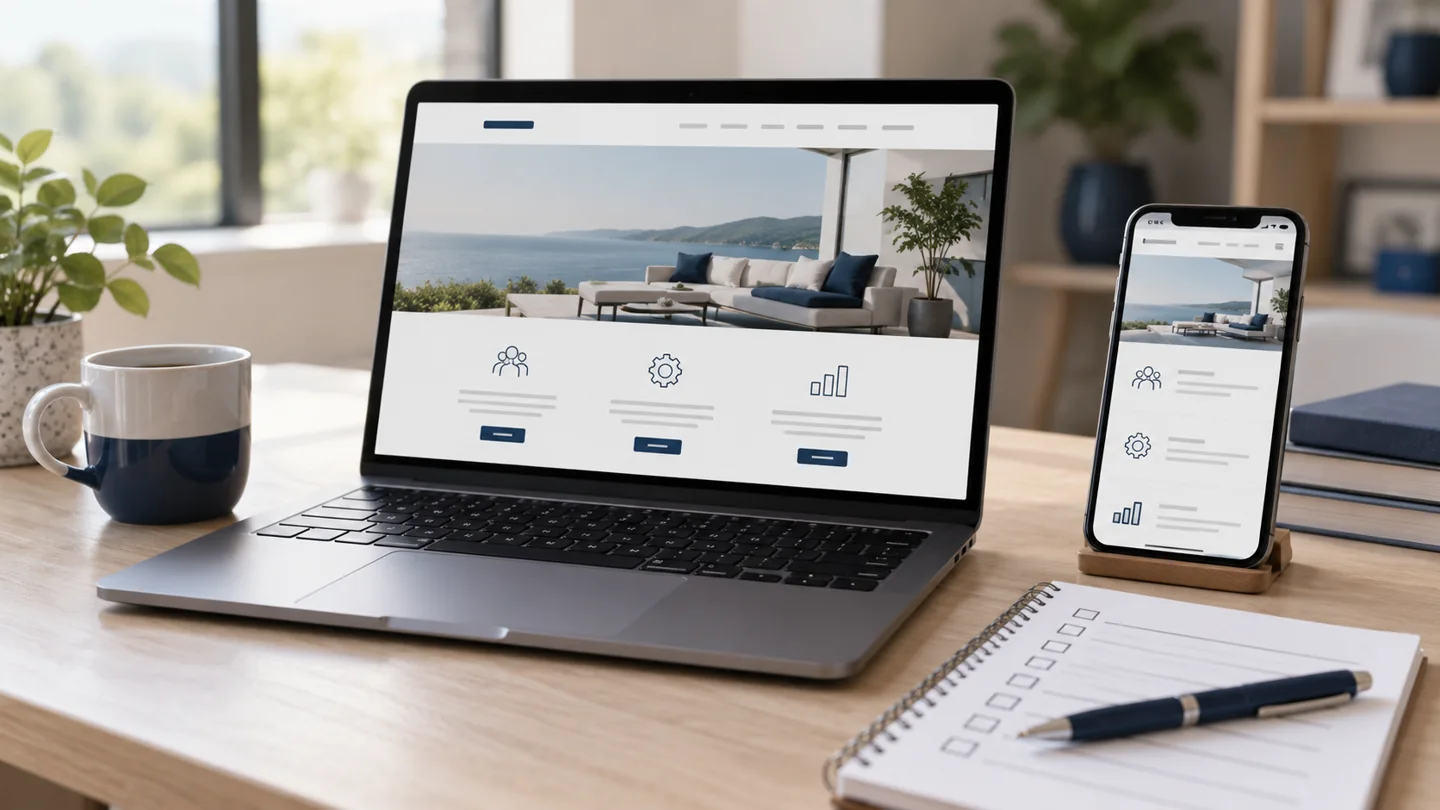
Start with your customer’s next step
A polished homepage still needs a purpose. Is the next step a phone call, an appointment request, a quote, or a visit to your business? Choose a primary action and make it easy to find. A visitor looking for a contractor in Raleigh has different questions from someone comparing a Cary professional service.
Write down who the site is for, the problem you help solve, and what someone needs to know before contacting you. Use that brief to guide your custom website design, rather than adding features simply because another business has them.
Give each important service a clear explanation
Visitors should not have to decode a broad list of offerings. Explain what each service includes, who it suits, and how the process works. A dedicated page can be useful when a service needs more explanation, examples, or a different contact path.
Use language customers recognize. An electrical business might explain its actual services and where its team works; a title company might explain the closing process. Put the details that answer real questions ahead of a long list of search phrases.
Make your real service area easy to understand
Say where your business is based and which communities you actually serve. Raleigh, Durham, Chapel Hill, Cary, and Apex are different markets. Listing a place should mean you can help customers there, rather than simply hoping to appear in that city’s search results.
If customers visit your location, make the address and directions clear. If you travel to them, describe that service area. Add a separate location page only when you have useful information specific to that place, such as a real project, a distinct offering, or different scheduling details.
Walk through the website on your phone
Read the homepage on a narrow screen. Check whether text has room to breathe, buttons are easy to tap, and the menu opens and closes predictably. View galleries and service pages, rather than checking only the first screen.
- Can you find the main service and contact option quickly?
- Do photos fit without hiding their subject?
- Does the form ask for only the information you need?
- Can you tap the phone number and return to the site easily?
Ask someone unfamiliar with your business to complete a typical task. Where they hesitate often tells you more than another design preference.
Use real proof and working contact paths
Show your own project photos, accurate team information, and customer feedback you have permission to publish. If a past website is no longer active, label its design preview honestly. Avoid claims about results that you cannot support.
Test a complete inquiry, including delivery and the confirmation message. Click phone and email links. Make sure requests reach the right person and that you know how you will follow up.
Plan what happens after launch
A website needs a home and someone responsible for changes. Ask what hosting includes, how revisions are handled, and who owns the domain and website files. Read the cancellation and transfer terms before paying for a build.
At RULA, Managed Hosting and Website Care are fully managed website leases. Compare both website plans, then add SEO Growth for ongoing local search support. RULA retains website ownership; review the billing and cancellation terms before enrolling.
Turn the checklist into a project brief
Gather your logo, service list, accurate contact details, project photos, preferred design direction, and the action you want visitors to take. Include the communities you serve and any features such as a booking link or gallery.
That preparation helps a designer quote your actual needs. If you are ready to discuss a custom website for your small business, tell Oscar and Aly about your project. For budget planning, read our guide to website design costs in Raleigh.